
Image Masking Service
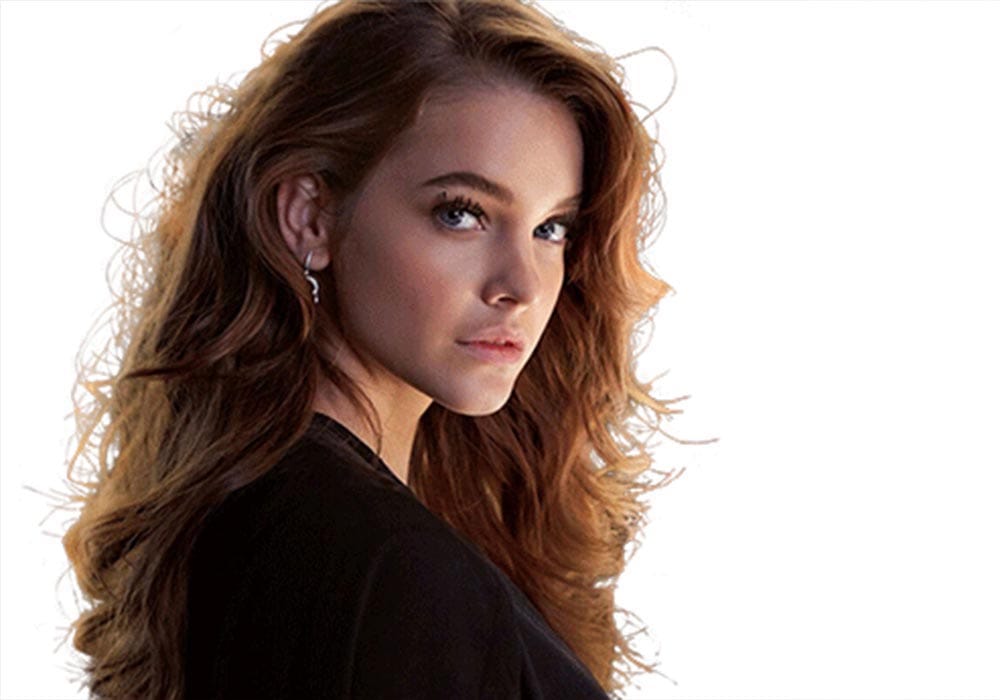
Products with fuzzy edges don’t fit well in the background if extracted using the Clipping Path service. In that case, Image masking service in Photoshop can get you perfectly trimmed photos without causing any damage.
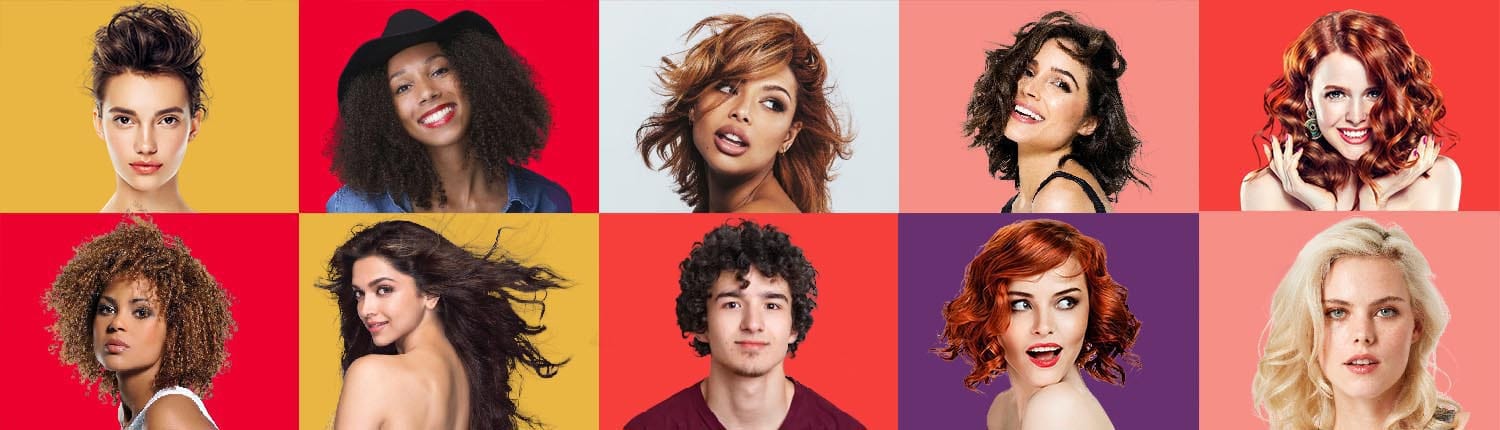
Hair and fur-like elements can easily and precisely be marked and optimized using the masking option in Photoshop. If the subject of the photo contains stray hair, fur, wool, and other soft edges, then the use of image masking is mandatory.
Clipping path service in Photoshop is ideal for extracting solid objects from an image. On the other hand, soft items and subjects with flexible edges need image masking service in Photoshop to be extracted properly.
Our hair masking specialists can solve your image related problems at any moment. We provide the best photo extraction service at the most flexible rates around the market. If you want to remove unwanted object from images through the best quality masking service provider, contact us. We will be happy to assist you today.

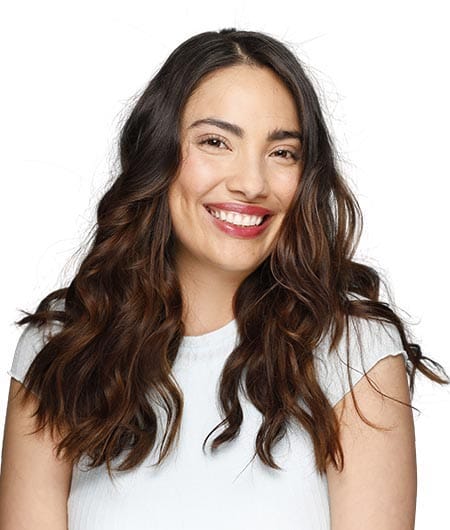
Who needs image masking service in Photoshop?
Photo masking service is highly effective for images that have hairy endings. You can add variations to your e-commerce product images using this service.
However, image masking service applies to the sectors mentioned below.
- Photo studios
- Professional product photographers
- Printing agencies and media
- Online journals and magazines
- Newspaper agencies
- E-commerce and other online based web stores and industries
- Catalog companies
- Modeling and fashion agencies, houses, and industries
- Digital ad agencies
- Different social media platforms